The Modern File Manager for Your GitHub Repositories.
Browse, upload, edit, and manage your GitHub files with a clean, intuitive, and powerful interface. No cloning, no command line. Just connect and go.
Get Started Now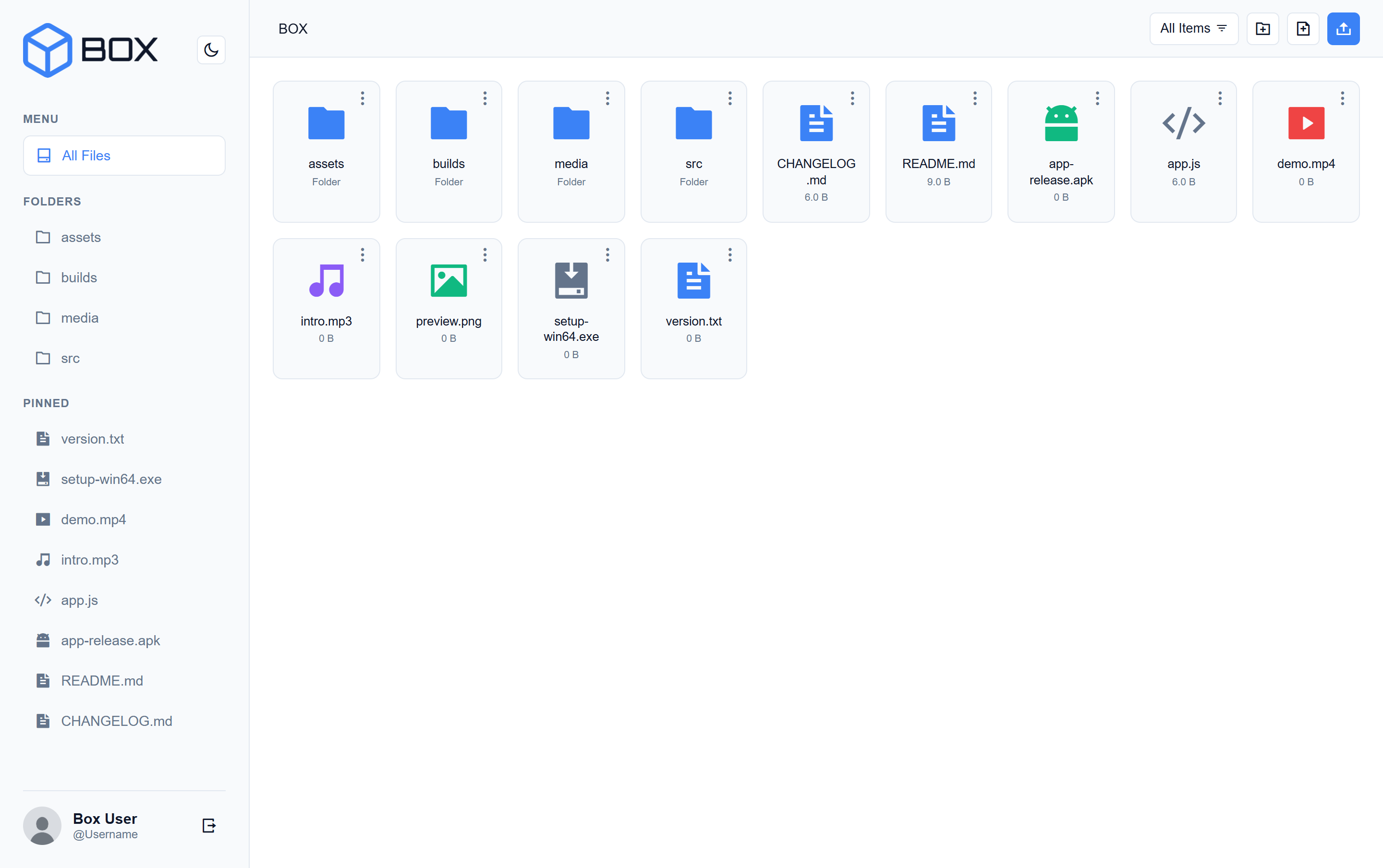
Why Use BOX?
A powerful feature set designed for efficiency and ease of use.
Intuitive File Operations
Enjoy drag & drop uploads, easy creation of files and folders, renaming, and deletion.
Built-in Code Editor
View and edit text-based files directly in the browser with an integrated editor and syntax highlighting.
Image & File Previews
Instantly preview images on hover. Other file types are supported through a clean viewer modal.
Light & Dark Modes
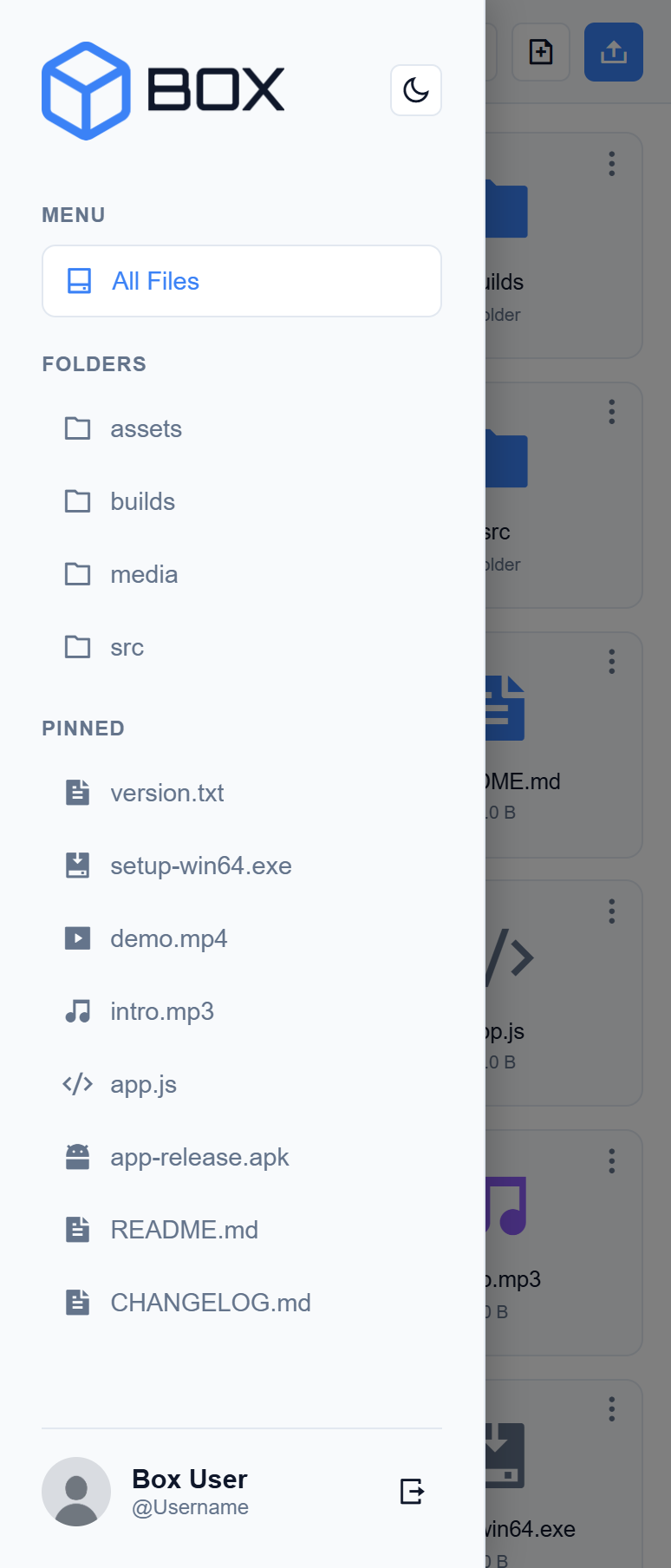
Switch between a light and a carefully designed dark theme for your comfort, with all UI elements adapting.
Fully Responsive
The interface adapts to any screen size, providing a seamless experience on desktop and mobile.
Pin Frequent Items
Quickly access your most-used files and folders by pinning them to the sidebar for one-click access.
Getting Started
To connect BOX to your account, you need to generate a Personal Access Token (Classic) from GitHub. This ensures secure access without sharing your password.
Select Scopes
Scopes define the access for personal tokens.
-
repo Full control of private repositories
-
repo:status Access commit status
-
repo_deployment Access deployment status
-
public_repo Access public repositories
-
repo:invite Access repository invitations
-
security_events Read and write security events
Want to Contribute?
Help make BOX even better! Follow these simple steps to get started.
1. Fork the Repository
Start by creating your own copy of the project on GitHub. This allows you to experiment without affecting the main codebase.
2. Create a New Branch
Make your changes in a dedicated branch. Use a clear and descriptive name, like `feat/add-new-button`.
3. Submit a Pull Request
Once you are happy with your changes, submit a pull request for the project maintainers to review and merge.
Proudly Open Source
BOX is built for the community. You can view the source code, report issues, or contribute to the project on GitHub. Your feedback and contributions are always welcome!
View on GitHubLicense & Usage Policy
This project is provided for free personal and educational use. You are expressly forbidden from selling, re-branding, or distributing this software and claiming it as your own work.
However, we strongly encourage community contributions. You are welcome to fork the repository to add new features and fix bugs. If you contribute, please add your name to the contributors list in the project's documentation.
Privacy & Data Security
Your security is our priority. Personal Access Tokens are stored strictly in your browser's local storage and are communicated directly to GitHub's API. They are never sent to our servers.
Use Official Version
The easiest way to get started. We host the latest stable version of BOX, ensuring you have immediate access to new features without any setup.
Run Your Own Repo
Prefer total isolation? Fork the repository and host it on Vercel, Netlify, or your own local server. You have 100% ownership of the code running.